How to set up WhatsApp booking with an AI assistant
Short answer
You need a WhatsApp number connected to Meta’s business platform, a clear list of your services, prices and rules, and a calendar the assistant can check. Meta reviews your business first, which can add time. The rest takes from one to six weeks, depending on how complex your bookings are.
What you need before you start
- A phone number for WhatsApp. It can be the one you already use: Meta lets many numbers stay in the WhatsApp Business app while the assistant answers. We check your number on the first call.
- A Meta business account with your company details. Meta checks them, and some features stay limited until it does.
- Your services, prices, opening hours and rules: how long each service takes, who does it, how far ahead people can book, how to cancel.
- A booking calendar. If your booking system allows connections, the assistant books straight into it.
Step by step
- Connect the number
The number is connected to Meta’s business platform. Your team still sees every chat.
- Teach the assistant
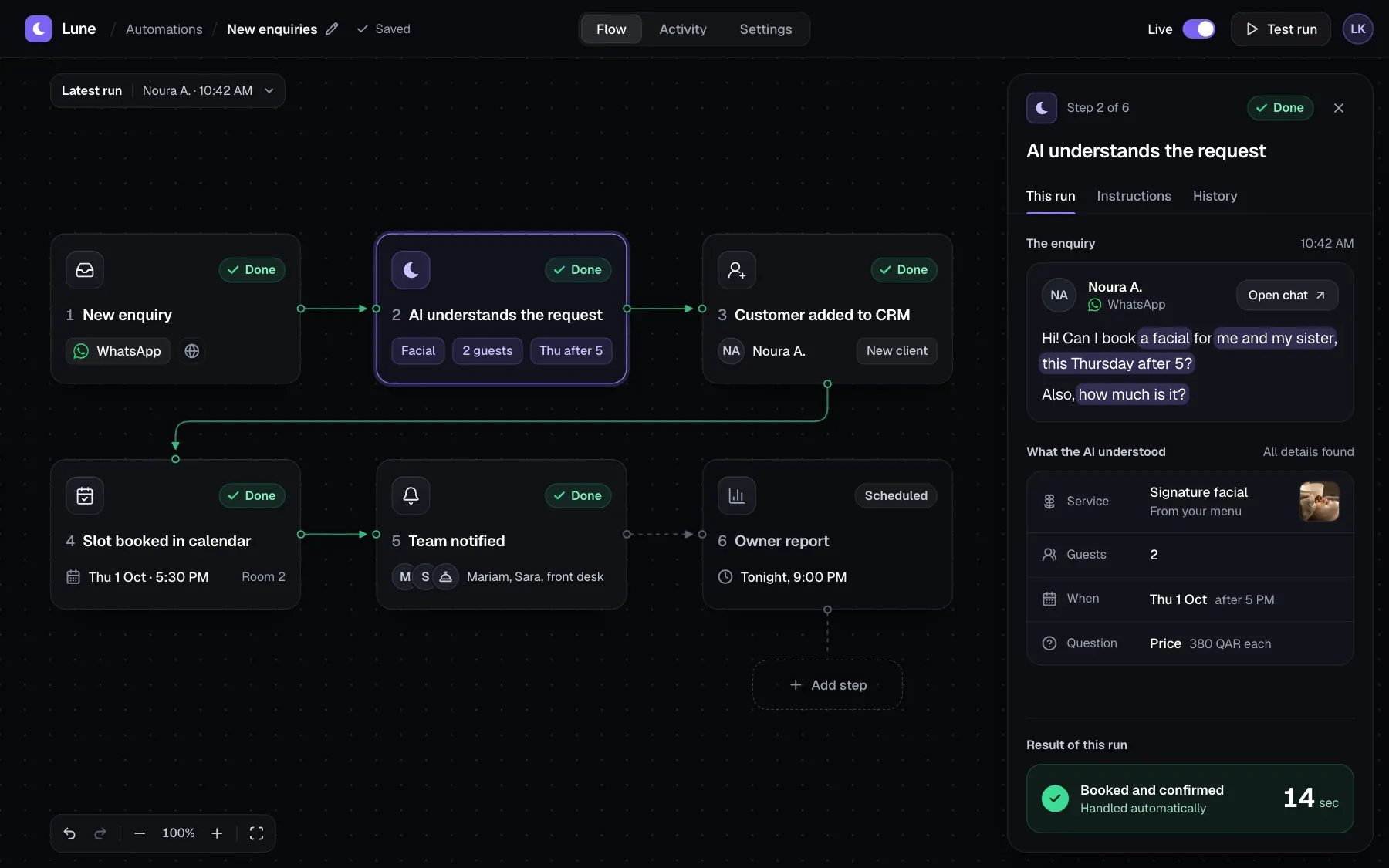
We load your services, prices and rules. The assistant answers only from them.
- Connect the calendar
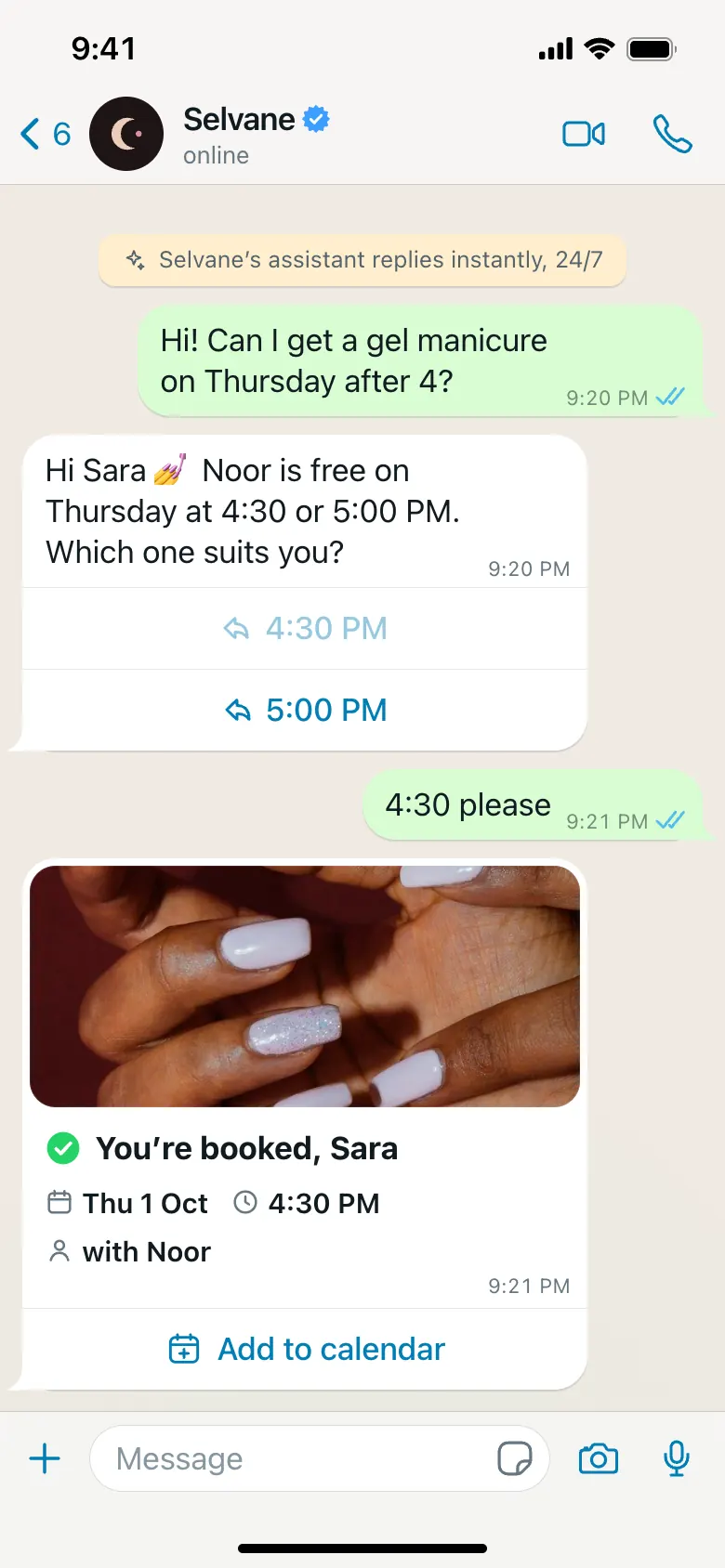
The assistant sees free times and books them. If your system has no connection, it collects the request and passes it to your team.
- Set the handover rules
Complaints, refunds and anything unclear go to a person. Your team can take over any chat.
- Test on real questions
We replay questions your customers really ask and fix the answers before launch.
- Launch with a switch
You can turn the assistant off at any moment.
The 24-hour rule
WhatsApp lets a business reply freely within 24 hours after the customer’s last message.
Messages you start later, such as reminders, must use templates that Meta approves first. Write your reminder texts early, because approval takes time.
What it costs to run
Meta charges for some messages, depending on the country and the type of message. The assistant also has a running cost that grows with the number of chats.
Both are shown in the proposal before any work starts.
Signs it works
- Customers get an answer in seconds, at any hour.
- Bookings appear in the calendar without anyone typing them.
- Your team handles only the chats that need a person.
- Fewer customers call to ask the same question twice.